Take advantage of the pandemic to create an online course for your students
When the COVID pandemic started, the lockdown was imposed in every part of the World, and school, offices and work places had to be shut down, so activities started moving online. Many schools and education organizations decided to invest in teaching online, which was previously considered something of a lesser value, but many teachers who were used to teaching offline found this difficult to adjust.
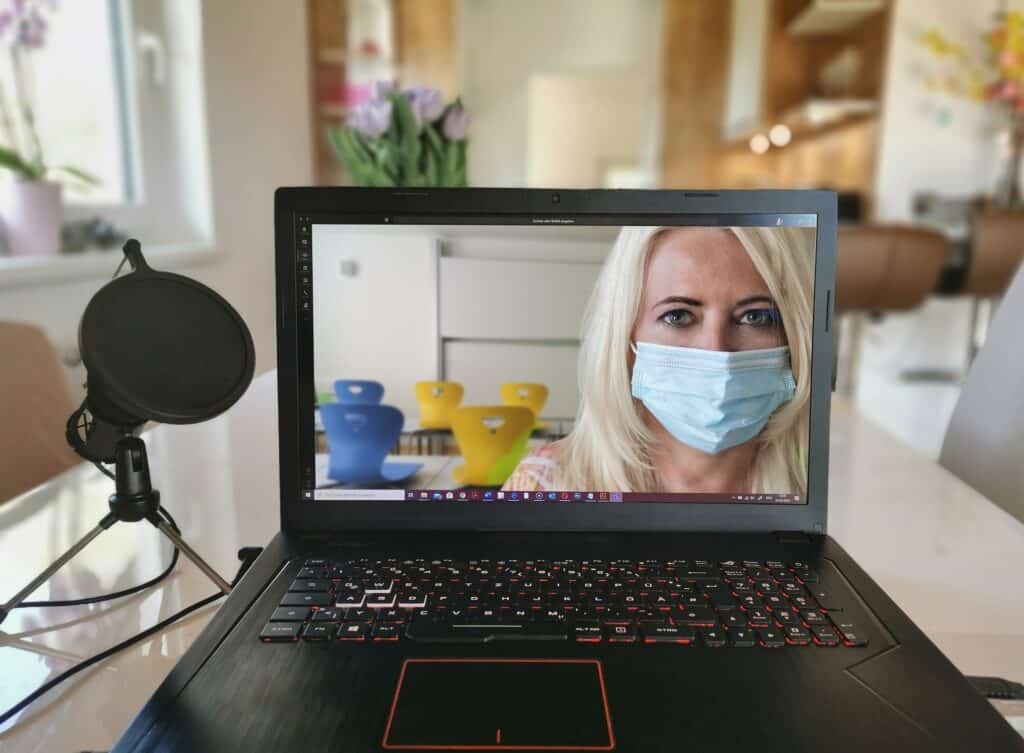
Creating a course is something that appeals to many teachers now, but most of them don’t know where to start.
In one of my previous articles I talked in detail about the importance of Virtual Learning. Here I will present the options that are currently available to teach online, whether we are comfortable with using technology or we need a more soft approach.
Why should Teachers create an online course?
With the Covid-19 pandemic, the number of online courses increased. Part of its success is due to the cost, because, generally speaking, it is cheaper than a face to face course. This has nothing to do with the value of the course, but because it is cheaper to produce (think just about the transportation costs for the teachers to go to their school, instead of teaching from home).
Costs however are not the only interesting thing, in fact, not all of the online courses are cheap. The fact that learners can schedule the time of the classes in a more personalized way than attending them in a school plays an important factor, as well as the platform they can use. While until not so many years ago the only option to attend a course was with a computer with a landline, wifi and smart technology played an important part on this new way of educating people, and now we can attend our courses also with our tablet, phone or TV.
How to deliver an online course?
There are basically two ways to deliver an online class, the first one is recording and uploading videos and the second one is live.
1. Recording and Uploading Videos
You first record your teaching session and then upload it on an online platform for your student.
The best online platform for uploading the video is Youtube, because it is easily accessible also over the phone.
The basics required for this are having a mobile phone or camera and microphone. Mobile phones have now a good quality and everything you need to produce videos fast.
If you are teaching through PowerPoint or an electronics pad, instead of video recording through a mobile phone or camera, you will need to do a screen recording, and maybe do some basic editing. Editing a video is more difficult, obviously, but technology offers good options to do that even without being filmmakers.
The screen recording feature is already present in most of the mobile phones or laptops.
A popular screen recording free software is OBS Studio.
2. Live Online Lecture
Being the class live, the student might (or might not) have the student attend the class on various levels of engagement, ranging from a chat, to video time together, but in other cases, the speaker decides just to give his class with no interaction. This very much depends on you and the purpose of the class.
This type of teaching is the most effective way to teach, as your student can have a one-to-one interaction (that is not possible in a recorded session).
This type of teaching is more like a physical class where you can see your student virtually and communicate with them in real-time and the duration of this type of session is fixed, just like the physical classes.
Different methods of teaching online
At the time of writing, there are four types of methods to teach online:
- Using a physical blackboard or whiteboard
- Using electronics pad and pen
- Using PowerPoint presentation
- Using blank sheet
1. Using a Physical Blackboard or Whiteboard
This way of teaching is the easiest because the teacher is used to this method when they teach in a physical classroom.
You just need a blackboard/whiteboard and a chalk/marker and a camera (or phone). Before starting the class, be careful to choose the best angle to shoot.
The major drawback of this method is the focus of the camera, that has to change between two planes (teacher and blackboard). To sort this out, you put the camera far away, but then there is too much empty space in the shot. So you zoom in, but then you might lose quality if you are using a phone.
Having a camera operator to adjust the focus and be sure that the camera is always on focus would be good, but not always a practical idea.
2. Using an Electronics Pad and Pen
The electronics pad and pen act as a digital board where you just need to connect your mobile phone or laptop with the electronics pad and then can start your teaching.
This is an easy method to work with, especially when you are at the beginnings, but its biggest disadvantage is that, depending on the light conditions, it could be hard to see the screen if there is too much light (for example if we are shooting outside or with natural light).
3. Using a PowerPoint presentation
This method of teaching online is the most popular among teachers.
Making a Power Point presentation (or a Google Slides presentation) is easy. The disadvantage of this method is that it needs a bit more confidence with the software we use, because while we talk, we have to be able to share our screen with our students, and it can be a bit confusing when you are just starting out. This is why professionals recommend to connect two monitors, one to use as your camera and another one to share your screen with the students.
4. Using Blank Sheet-Paper
This method was largely used among teachers for online classes before the Covid pandemic and the advantage of it, compared to sharing the screen, is that it is more immediate, and you can easily translate your thoughts on paper and show them to your students.
The most common issue about it used to be that the camera sometimes found it hard to focus on the writing or the drawings. Now that the technology did a major leap forward, this method looks amateurial.
If you are technologically advanced, there are electronic pens that replace the mouse and give you more freedom of movement and ensure a better quality of your sketches. Most platforms have also a sharable whiteboard that you and your students can use at the same time.
Platforms to deliver online classes
1. Live online session
There are different platforms present from where you can deliver the class. Some of them are:
2. Uploading videos
In your classes you can use a combination of live and recorded videos, or depending on the nature of your course, you might be interested just in delivering recorded classes. These are the most common platforms that are currently used:
Student assessment
The student assessment is one of the most important steps for online teaching. The amount of effort you put into the making of the online course will not be used if your student is not taking interest in that online course.
The work of student assessment is to monitor the performance of each student and access them through different online platforms. Selecting the assessment tools depends on the way you are going to assess your students.
Some websites provide assessments based on live quizzes while some assess based on the assignment submitted by the students.
You can also assess manually by recording the student performance in spreadsheets but this is a time-consuming method.
Student assessment software/websites:
After knowing the different things about taking online courses. Let’s get to know about the step-by-step guide to creating an online lecture.